



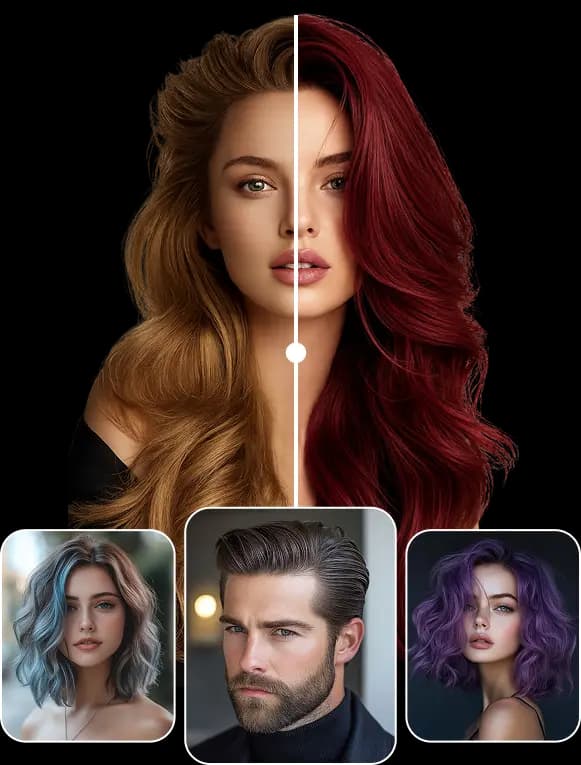
Hairstyle Try On App
for Haircuts, Hair Color and Beards
Take or upload a photo, choose a haircut, a hair color or a beard style, and see it on your own face before you book the salon. Stylova is a hairstyle try on app, free to download on the App Store.


Trusted by 5,000+ users
What You Can Try On in the App
Test a haircut, compare hair colors and get suggestions for your face shape before you commit to a salon visit.

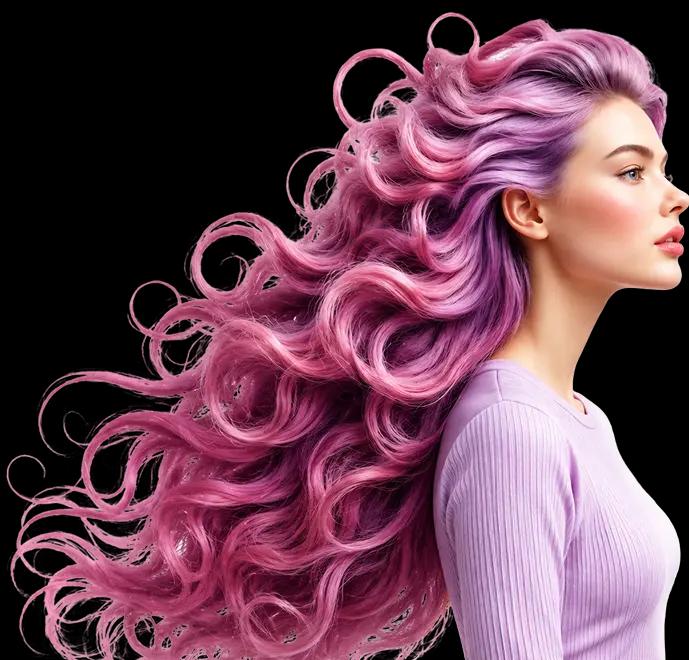
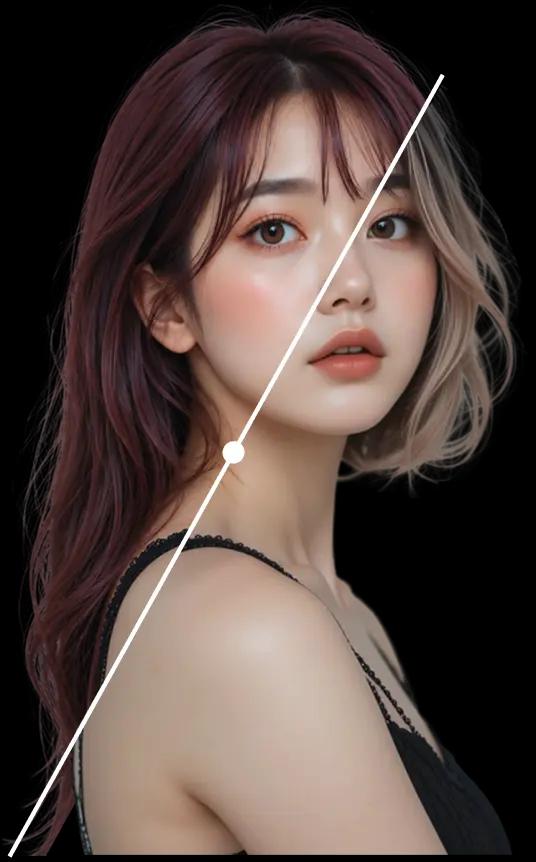
Virtual Hairstyle Preview
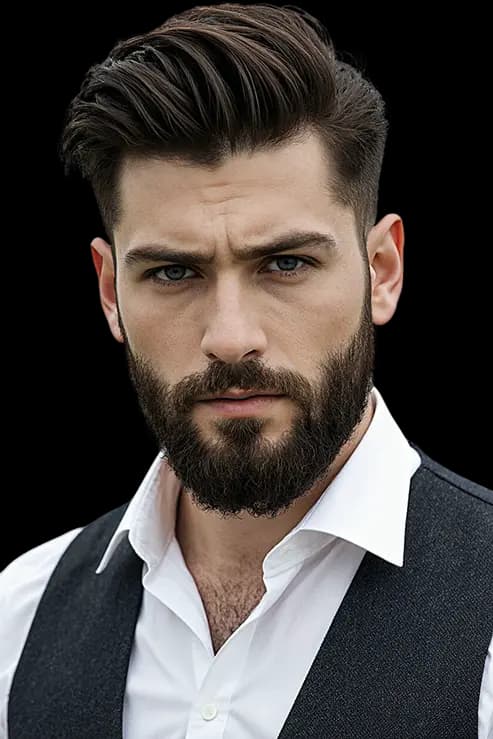
See short, long, curly, layered, and trending haircuts on your own selfie before you make a change.
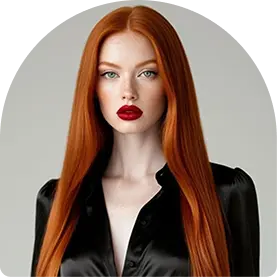
Hair Color Try On
Compare blonde, brunette, black, red, and bold shades to find the color that fits your skin tone and style.

Suggestions for Your Face Shape
The app suggests cuts that suit your face shape, so you start from styles that are likely to work for you.
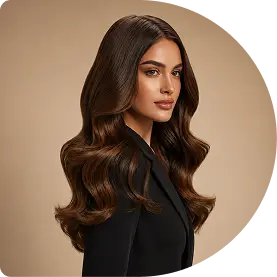
A Picture for Your Stylist
Save the look you like and show it at your appointment, so you and your stylist mean the same cut.
How It Works in Three Steps
Upload a photo, pick a style, and the app shows it on your own face in seconds.
1
Upload a Clear Front Selfie
Start with a front-facing photo so the AI can map your facial features and fit each style to your face.
2
Choose Hairstyles and Colors
Browse haircuts, hair colors and beard styles, and compare the ones you like most.
3
See Your New Look Instantly
The preview appears on your photo in seconds. Save your favorites and decide which look to take to the salon.
Hairstyles You Can Try
Eight of the hundreds of hairstyles in the app, from a buzz cut to a pompadour.
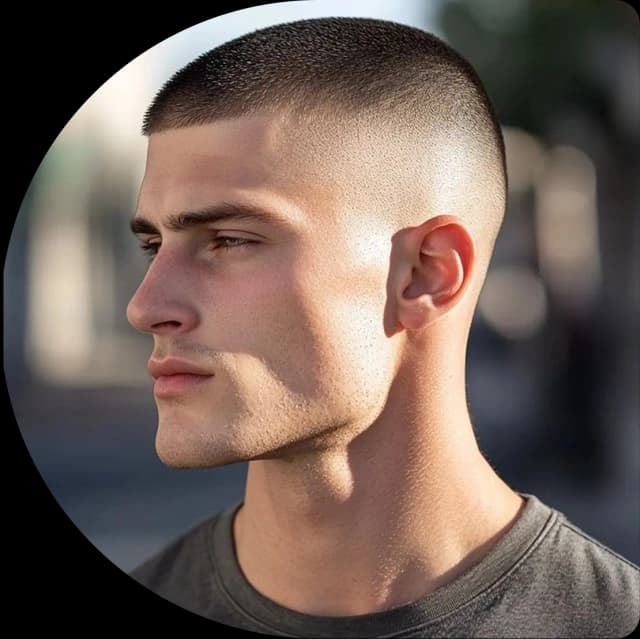
Buzz Cut

Messy Fringe

Bob Cut

Afro Fade
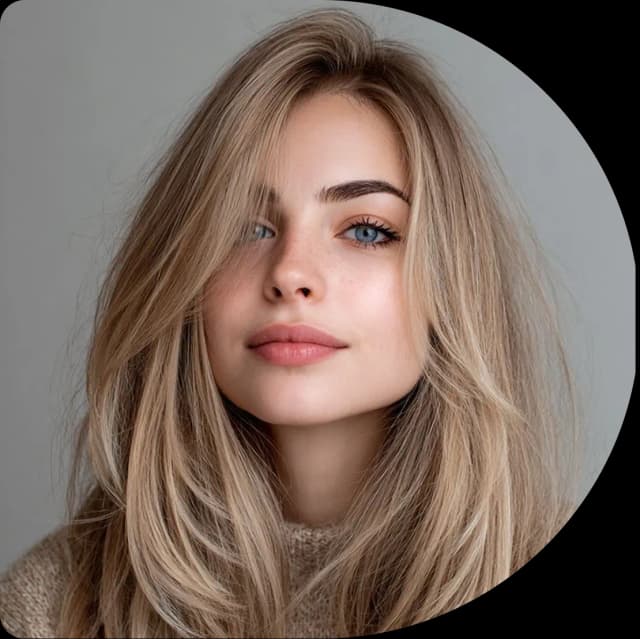
Layer Cut
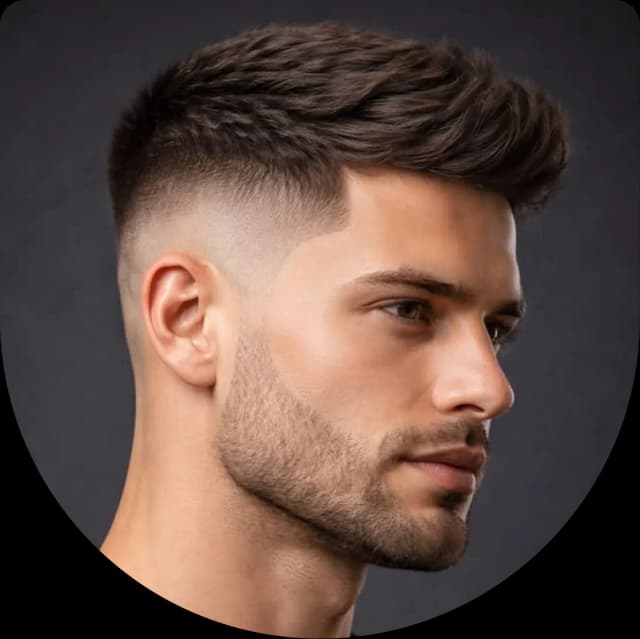
Low Fade
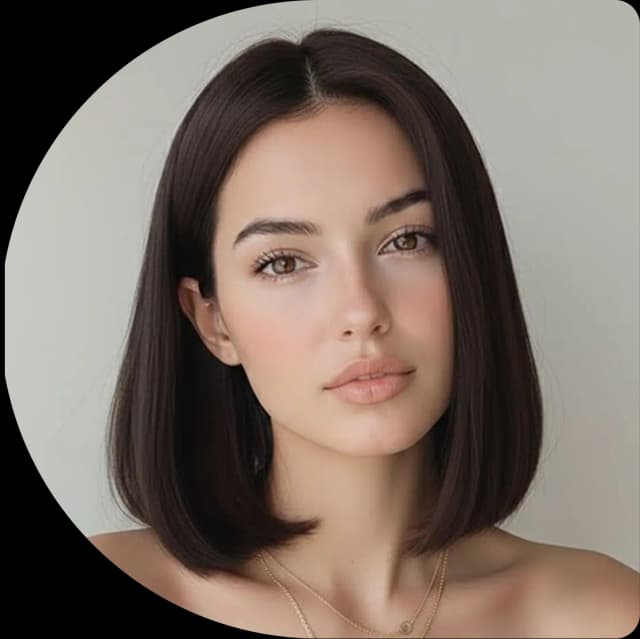
Blunt Cut

Pompadour
Beard Styles to Try On
See a short, long, faded or full beard on your own face before you grow it or trim it.

Clean

Italian

Verdi

Stubble

Fade

Garibaldi

Layers

Balbo

Ducktail
What is a Hairstyle Try On App?
A hairstyle try on app uses AI to put a different haircut, hair color or beard on a photo of you. You see the result before anything is cut or dyed, so you can compare options and take the one you like to the salon.
Try It on Your Own Photo
Top Reviews
What a user wrote about Stylova on the App Store.
5 Rating out of 5
The app's rating on the App Store where this review was left. Each country's App Store shows its own rating.
5
1 rating

Questions About the App
What the app does, how real the previews look, what it costs and what happens to your photos.
How can I try hairstyles on my face?
Take or upload a clear photo of your face in the app, then choose a haircut, a hair color or a beard style. The app uses AI to map your facial features and shows the style on your own photo in seconds.
What kind of photo works best?
A clear photo of your face taken from the front, in good light. You can take one with the camera or upload one you already have. The app maps your facial features from the photo, so keep your whole face in the picture.
Can I test different hair colors?
Yes. You can try natural shades such as black, brown and blonde, and bold ones such as copper, red and fashion colors, to see which tone suits you before you color your hair.
Does it work for men and women?
Yes. The app has haircuts for men and women, from buzz cuts, fades and pompadours to bobs, layered cuts and bangs. It also has beard styles such as stubble, Balbo and Garibaldi.
Are the previews realistic enough to plan a salon visit?
The app fits each style to your face shape and hairline and matches the lighting of your photo and your hair texture, so the preview looks natural. Treat it as a guide to discuss with your stylist: the final result also depends on your own hair.
How do I know which haircut suits me?
Try a few on your own photo and compare them. The app suggests cuts that suit your face shape, and seeing short, medium and long styles on your own face shows which one you like before you book.
Is Stylova free?
Stylova is free to download from the App Store. Some features need a paid plan, a subscription you buy inside the app; the App Store shows its price in your currency before you confirm. You can cancel it at any time in your Apple Account.
Is Stylova available on Android?
No. Stylova is available only on the App Store, where it is free to download. There is no Android version, and there is no version that works in a web browser.
Is it safe to upload my photos?
Your photos are processed securely and only to create your preview. They are not stored permanently and are removed automatically after some time. The Privacy Policy explains what is collected and how to contact us about it.
Download the App
- Free to download
- Cancel any time in your Apple Account
- Photos are not stored permanently


Contact Us
A question about the app, a payment or your photos? Send us a message and we will answer by email within one to two working days.

Email Us
